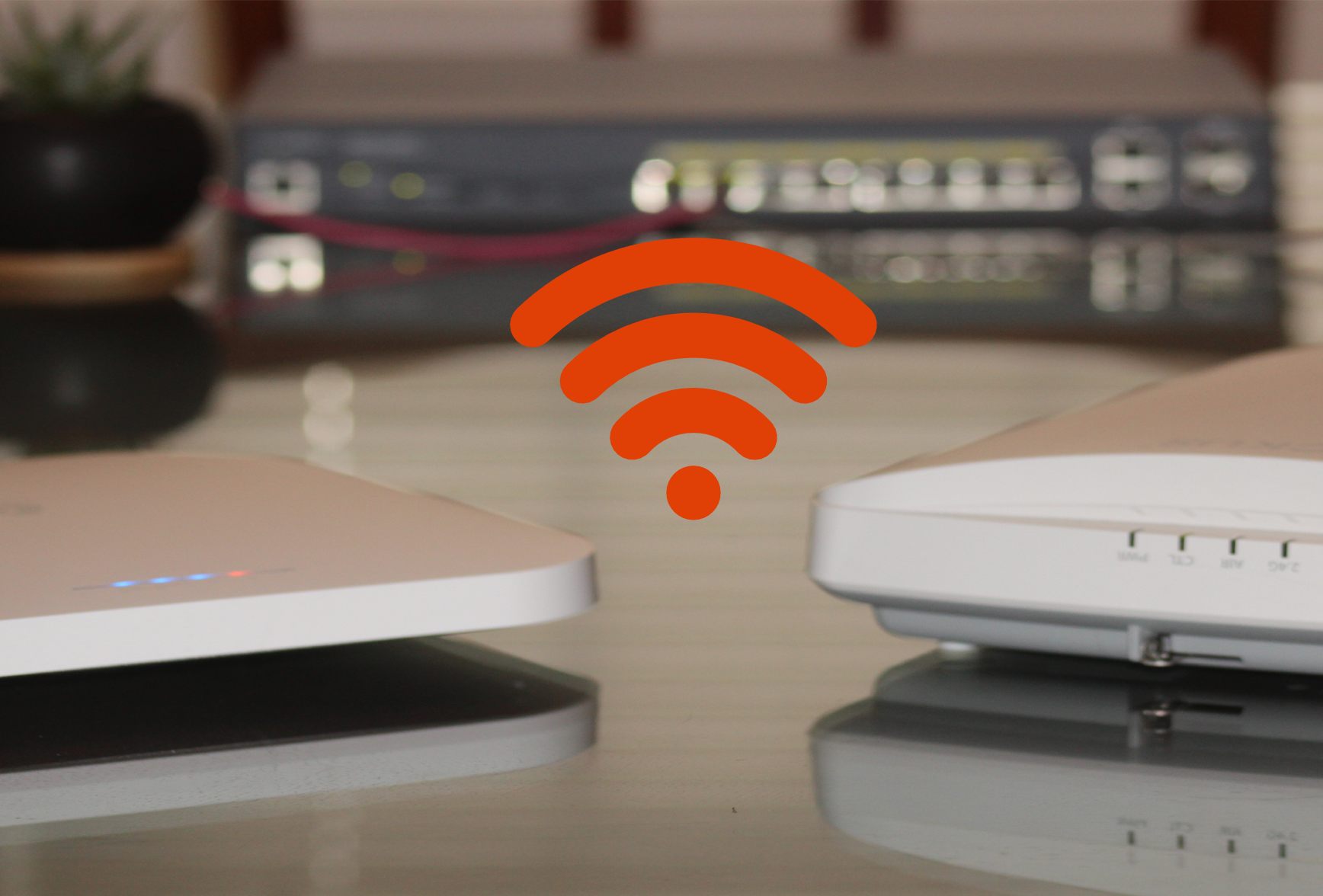
iPhone 18 Pro Wi-Fi 7 Tests! Does FSD 14.3.10 Fix the Camera Bug?

Welcome to the Friday livestream! Today we are testing out the brand new iPhone 18 Pro on the Wi-Fi 7 network to see what the new N1 chip can really do. I’ll also share my battery life experience with the A20 Pro chip and show you why the MagBak is still my daily driver case. We also discuss why so many enterprise networks are dropping Cambium to migrate over to EnGenius Cloud.

Then, we jump into the Model 3 Performance to talk about the new Tesla FSD v14.3.10 update. Does it finally fix the annoying ‘clean camera’ bug from 14.3.9? We cover the fix, plus the new Automatic Collision Evasion system and the revamped speed profiles. Drop your questions in the live chat!

πŸ”— Links & Gear Mentioned

πŸš— Tesla Referral Links

Thinking about picking up a Model 3 Performance or another Tesla? Use our referral links below:

πŸ“« Contact & Socials

  • Jeff Keenan: @keenanjeff | Keenan Systems LLC
  • Bryan: @BryanSlayman | EnGenius

⏱️ Livestream Chapters

  • 0:00 – Intro & Stream Setup
  • 2:00 – iPhone 18 Pro Wi-Fi 7 Speed Tests
  • 4:30 – iPhone 18 Pro Battery Life (A20 Pro Chip)
  • 6:00 – The Best iPhone 18 Pro Case (MagBak)
  • 8:00 – Why Cambium Customers Are Moving to EnGenius Cloud
  • 11:00 – The FSD 14.3.9 Camera Clean Bug Explained
  • 12:30 – How to fix the interior camera haze error
  • 14:00 – FSD 14.3.10: Automatic Collision Evasion (ACE)
  • 16:00 – FSD 14.3.10: New Speed Profiles & Start from Park
  • 18:00 – Live Q&A

#iPhone18Pro #TeslaFSD #EnGenius #Model3Performance #WiFi7 #MagBak #Apple #Tesla #TechReview #KeenanSystems
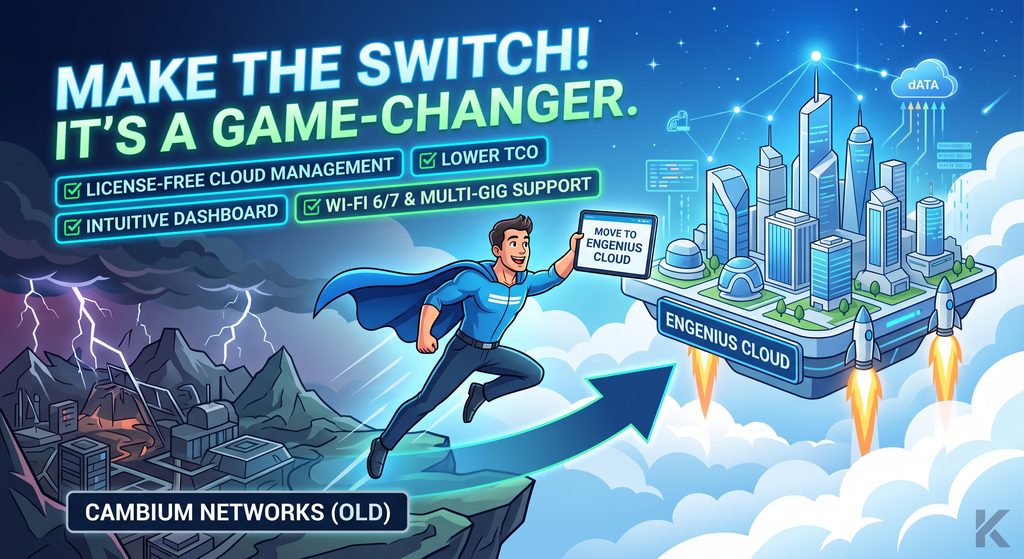
Managing a Cambium Networks deployment but looking for better options? πŸ‘€

Enter EnGenius Cloud. Enterprise performance without the enterprise overhead. β˜οΈπŸš€

Why make the switch? βœ… NO recurring license fees βœ… Lower Total Cost of Ownership βœ… Simple, single-pane dashboard βœ… Wi-Fi 6/7 & Multi-Gig ready

Ready to simplify your network? πŸ”— Shop gear: https://shopify.keenansystems.com/collections/wifi πŸ“§ Let’s talk migration: keenanj@keenansystems.com

#EnGeniusCloud #ManagedWiFi #CambiumNetworks #ITInfrastructure #KeenanSystems

iPhone 18 Pro Wi-Fi 7 Speed Test! 1.7 Gbps Over The Air πŸš€

Are you ready for multi-gigabit speeds over the air? In this video, we put the brand new iPhone 18 Pro to the ultimate Wi-Fi 7 test!

First, we use the Wi-Spy Lucid Spectrum Analyzer to verify whether Apple’s N1 chip is using 160 MHz or 320 MHz channel widths on the 6 GHz band. Then, we run OpenSpeedTest to see how fast this phone really performs when paired with two enterprise-grade Wi-Fi 7 access points: the EnGenius ECW536 and the Ruckus R770. We test both APs at close range (10 feet) and through multiple walls (50 feet) to see how Multi-Link Operation (MLO) holds up under real-world conditions.

Featured Hardware & Tools

🚨 Protect Your iPhone 18 Pro Make sure to protect your new phone! Check out our next video where we install the MagBak Elite V2β€”the best case to grab from Day 1.

πŸ‘‰Get the MagBak Elite V2 Case Here

🏷️ Use Promo Code KEENAN15 at checkout to save 15%!

Contact & Business Inquiries

Keenan Systems LLC

East Hampton, CT

πŸ“§ Email: keenanj@keenansystems.com

🌐 Website: www.keenansystems.com

iPhone 18 Pro Network Deep Dive: N1 Limits & The Connectivity Assist Trap

Welcome to the live stream! Today we are diving into the iPhone 18 Pro to test the new networking hardware, camera upgrades, and some hidden iOS settings you need to know about.

What we cover today:

  • The C2 Modem Split: Apple’s new in-house cellular silicon vs. Qualcomm.
  • N1 Chip Limits: Why Wi-Fi 7 is still capped at 160MHz and how it pairs perfectly with the EnGenius ECW520 2×2 access point.
  • The Connectivity Assist Trap: Why this new iOS feature will ruin your multi-gigabit throughput tests and local smart home roaming.
  • Active Aperture: Testing the new mechanical iris on the 48MP Fusion camera for video production.

πŸ›‘οΈ MagBak Cases & Accessories

Protect your new iPhone 18. Get 15% off the new Elite Black case, Burgundy case, and Smart Wallet using our link: πŸ‘‰ Shop MagBak Here Discount Code: KEENAN15

πŸ“‘ EnGenius ECW520 Wi-Fi 7 Access Point

Get the perfect 2×2 Wi-Fi 7 AP for the new iPhone 18 Pro here: πŸ‘‰ Buy the EnGenius ECW520

πŸš— Tesla Referral Links

Thinking about picking up a Model 3 Performance or another Tesla? Use our referral links below:

πŸ“« Contact & Socials

  • Jeff Keenan: @keenanjeff | Keenan Systems LLC
  • Bryan: @BryanSlayman | EnGenius

Everyone Has Wi-Fi, But Do You Have GOOD Wi-Fi?

If you are constantly dealing with dropouts, struggling to configure your hardware, or spending hours digging through online forums and Reddit just to find a simple troubleshooting answer, it is time for a change. Running a business network shouldn’t require you to be a full-time network engineer.

Expert Insights with EnGenius

In this video, I sit down with Bryan Slayman, Senior Solutions Engineer from EnGenius, to discuss why I transition my clients to EnGenius cloud-managed access points, switches, and routers.

We cover:

  • How you can get real remote help straight from the manufacturer.
  • The massive benefit of the EnGenius 5-year warranty.
  • Current product availability.
  • Which industries are a perfect fit for EnGenius hardware.

Upgrade Your Network

πŸ›’ Ready for better Wi-Fi? Upgrade your Wi-Fi network here

Contact Us for Network Help & Planning

Jeff Keenan | Keenan Systems

Bryan Slayman | EnGenius Technologies

  • Email: bryan.slayman@engeniustech.com
  • Phone: 949-510-6614

Tags: #WiFi #EnGenius #BusinessWiFi #Networking #KeenanSystems #WiFiTroubleshooting #EnterpriseNetwork #TechSupport